
CASHBACK
Create your customer account and benefit from 10% cashback on your next purchase.
Cashback is valid for 3 months for all purchases of a minimum of 70 euros.
1. Logging into your account : To access your store credits, you must first log into your customer account. Click here to log in.
2. Checking Credits : After logging in, you can check your store credit balance in the 'Store Credits' section of your account.
3. Using Credits : When placing an order, you have the option to use your store credits as a payment method. Simply check the 'Use my cashback' box during the checkout process.
4. Credit Tracking : You can check your store credit history and expiration dates at any time in your customer account.
If you have any questions about your store credits or need help using them, please contact us.
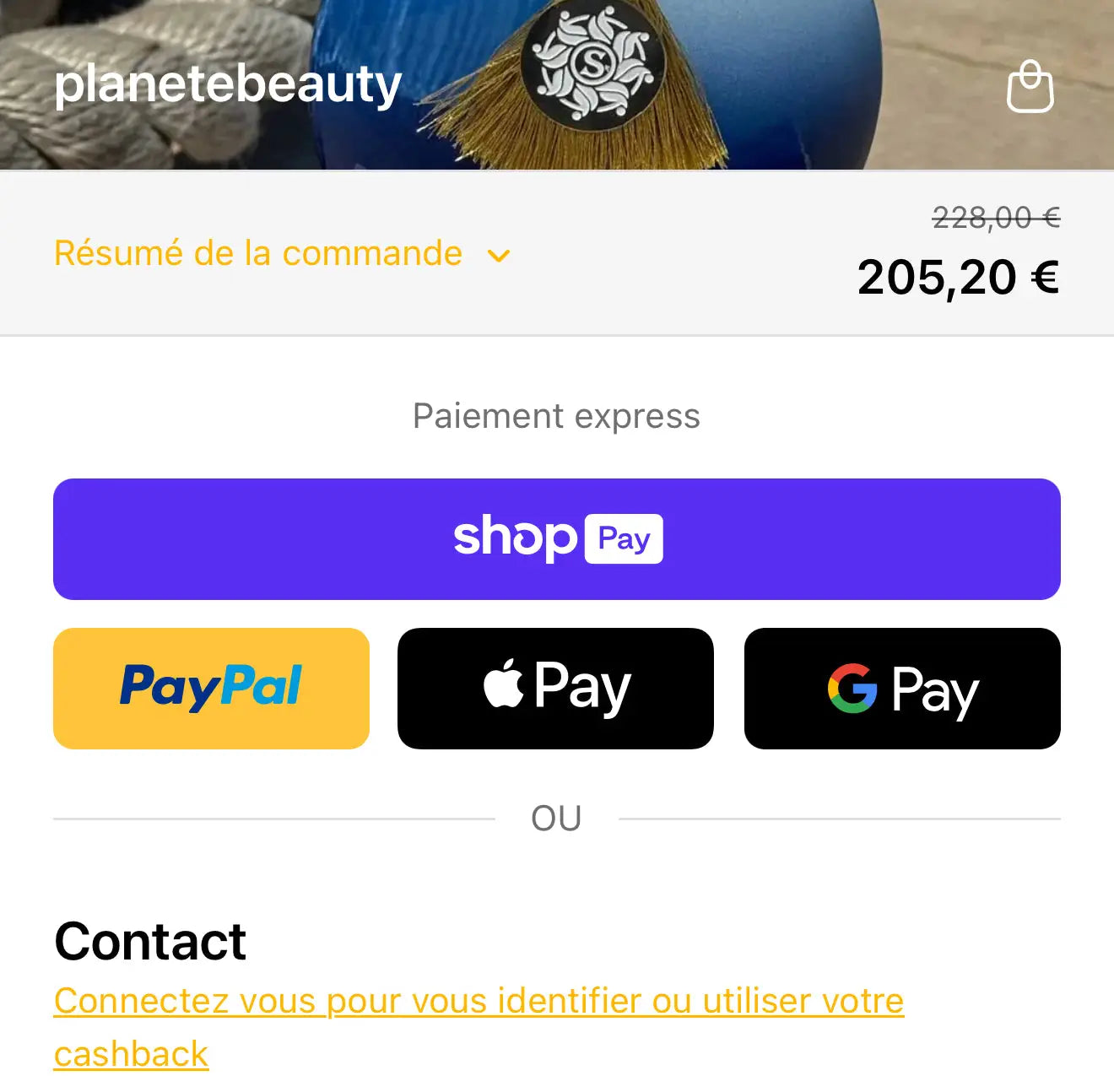
Once logged in, "Use my cashback" will appear in the payment methods section. Simply check this box to apply your cashback to your account.
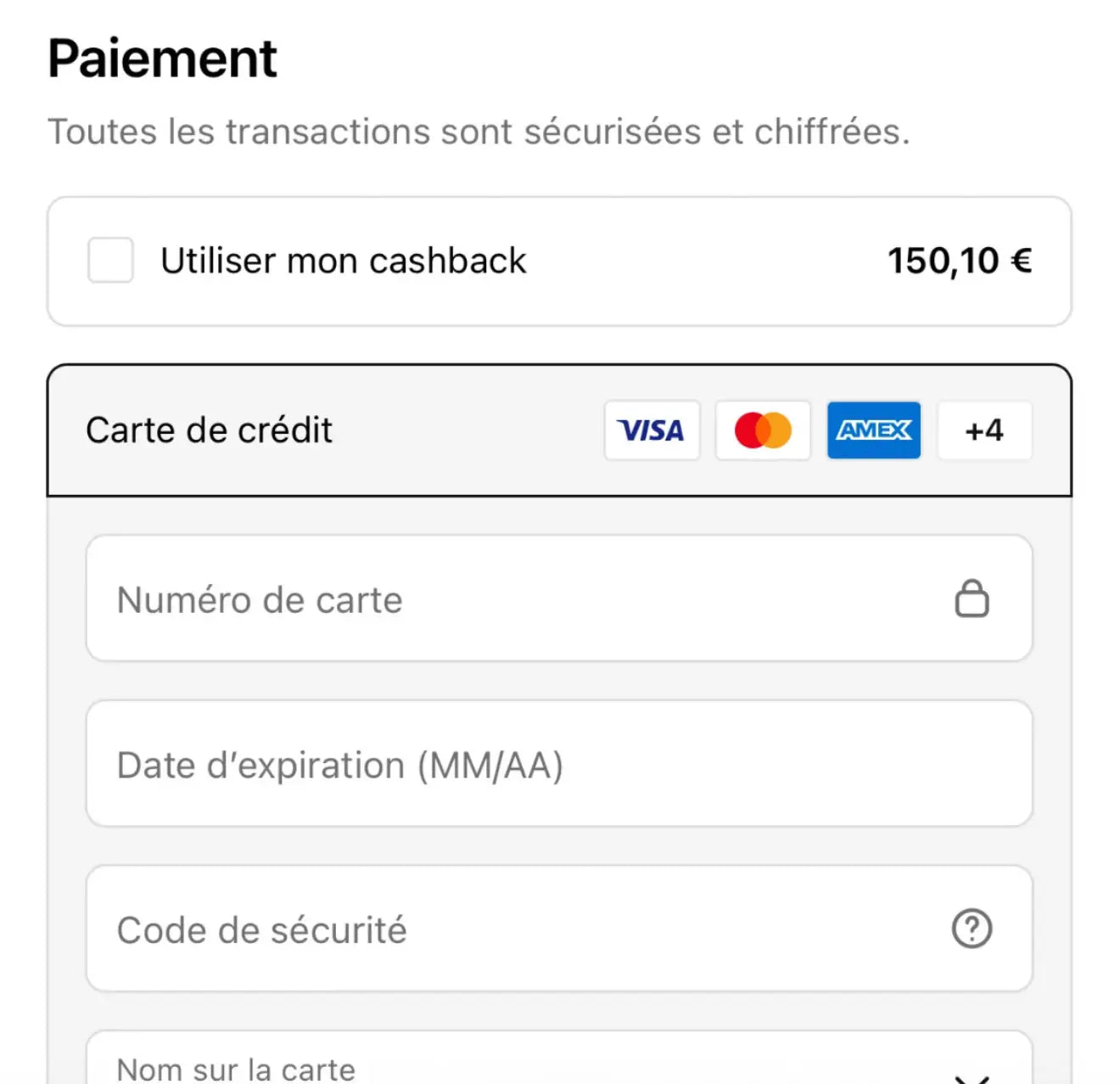
If you do not see the box "use my cashback", make sure:
-That the amount of your order is at least 70 euros
-To be connected to your customer account
-Having cleared your browsing data on your device or having tried with another device or another browser.